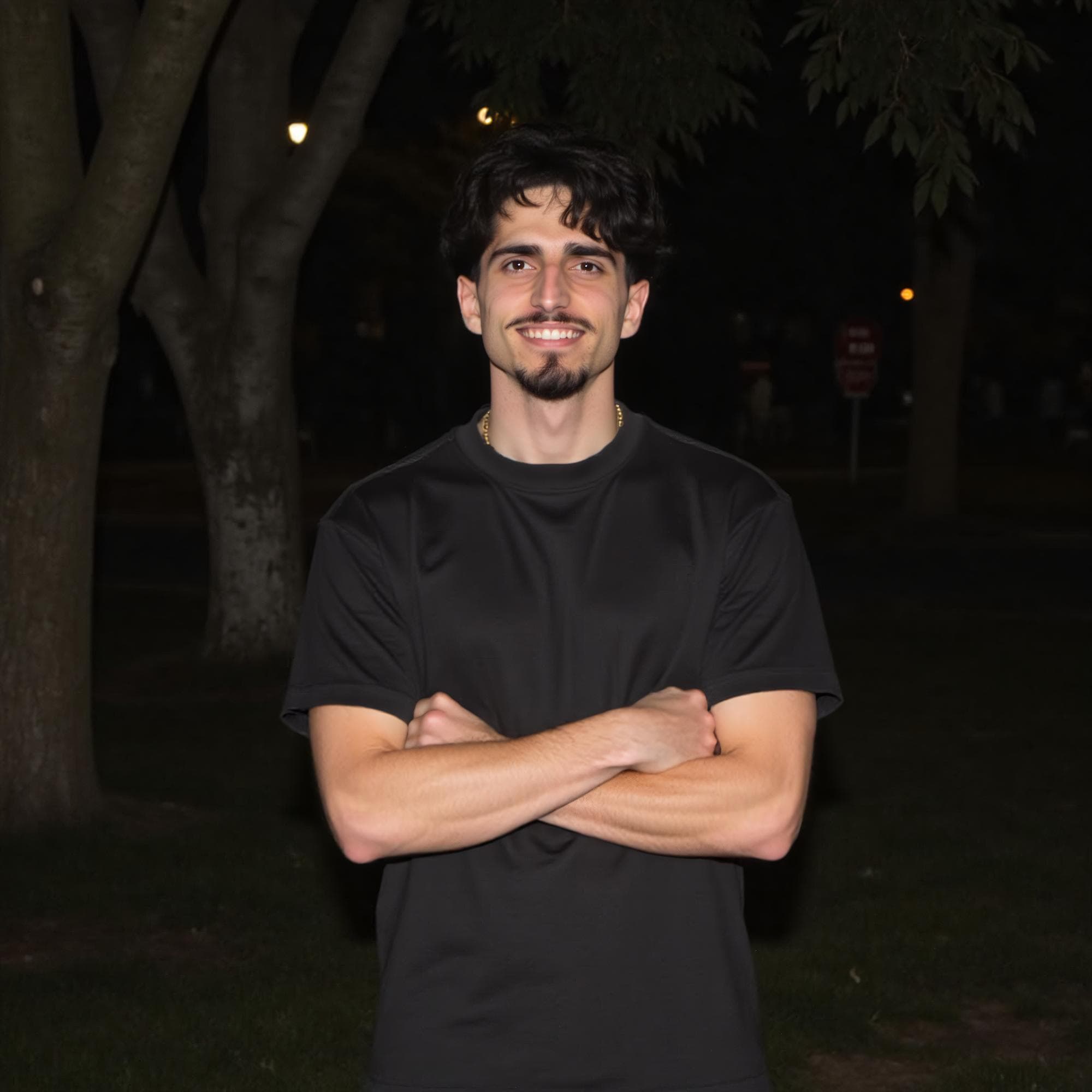
Casual
Relaxed everyday setting
Turn selfies into app-ready photo options, then sharpen profiles and messages with your AI dating wingman.



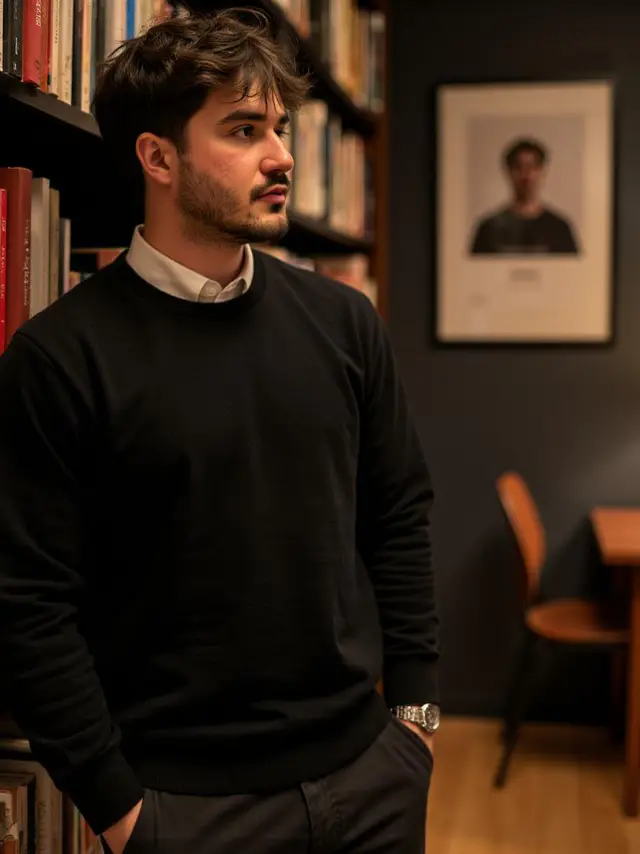




Styles are starting points. Keep only scenes, outfits, and activities that feel honest and recognizable.
Relaxed everyday setting

Considered outfit and lighting
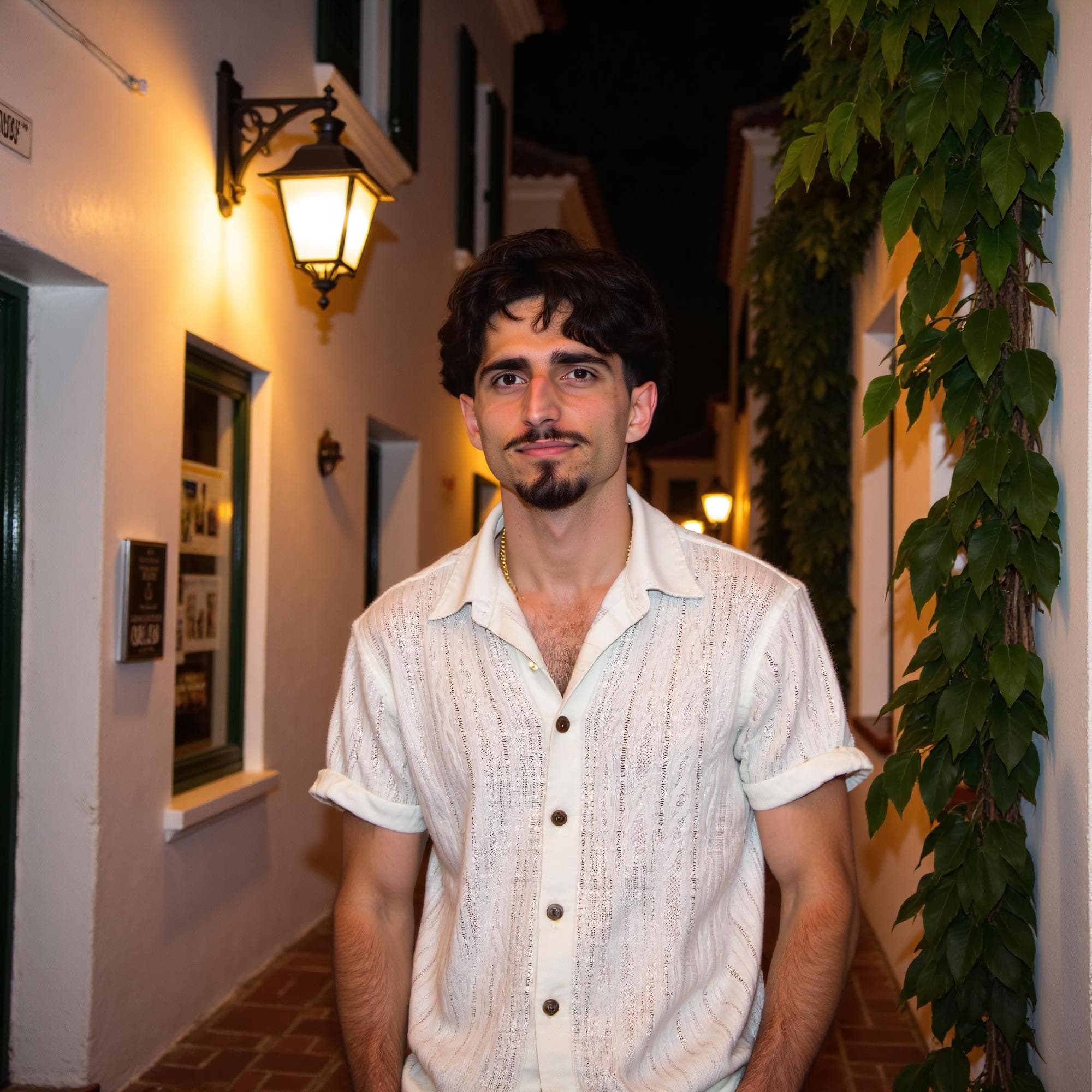
Activity and social context
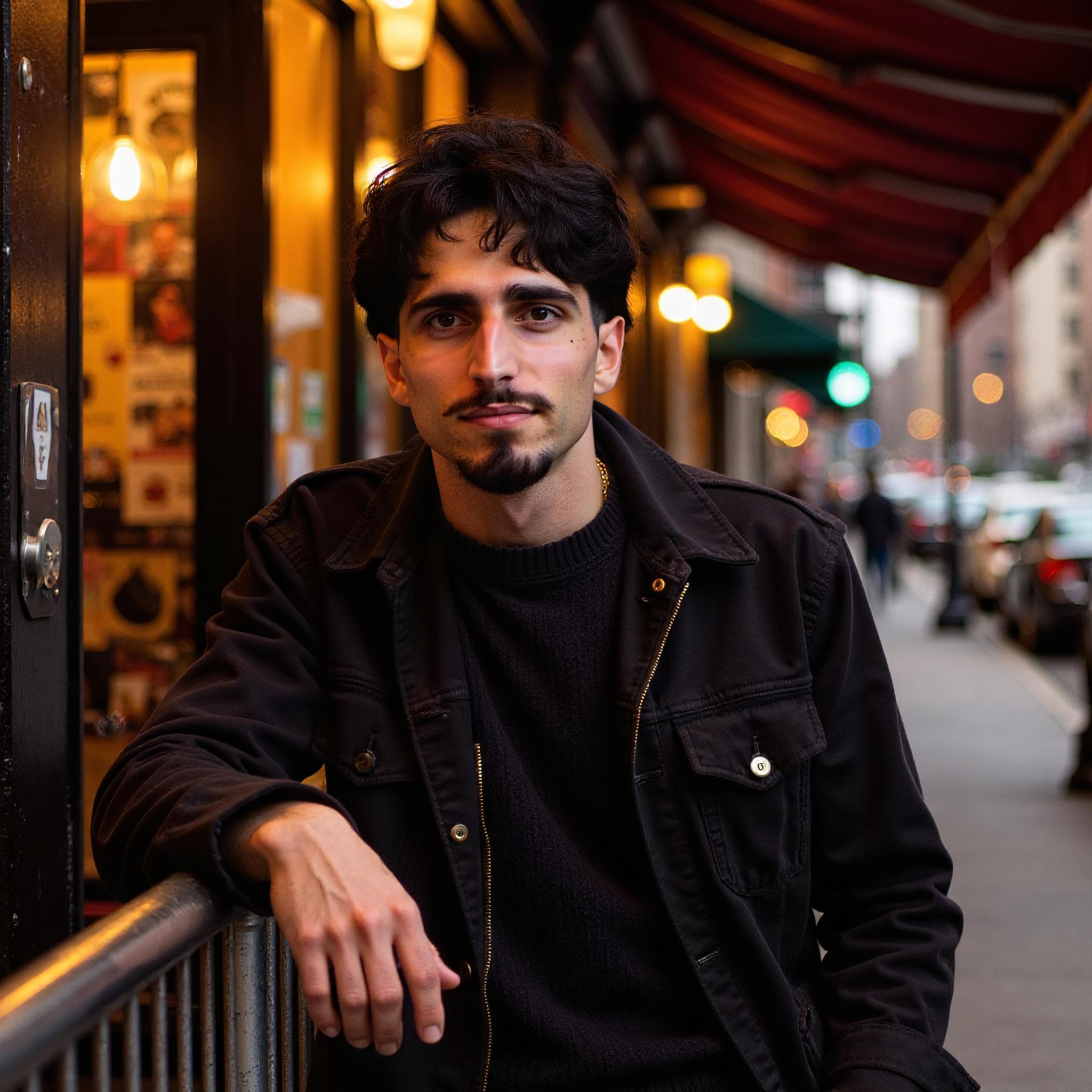
Natural night-out setting

Believable trip context
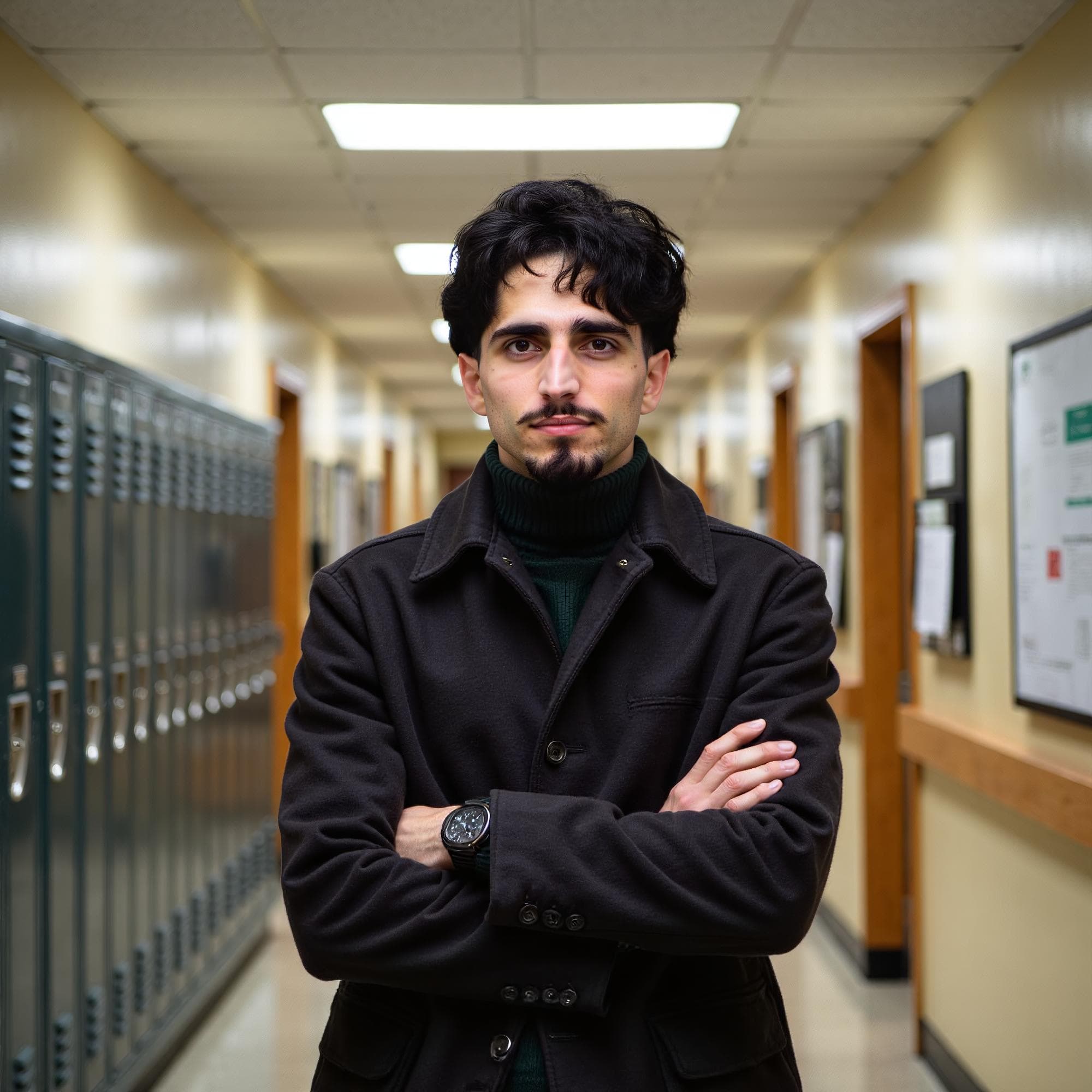
Quiet, thoughtful setting
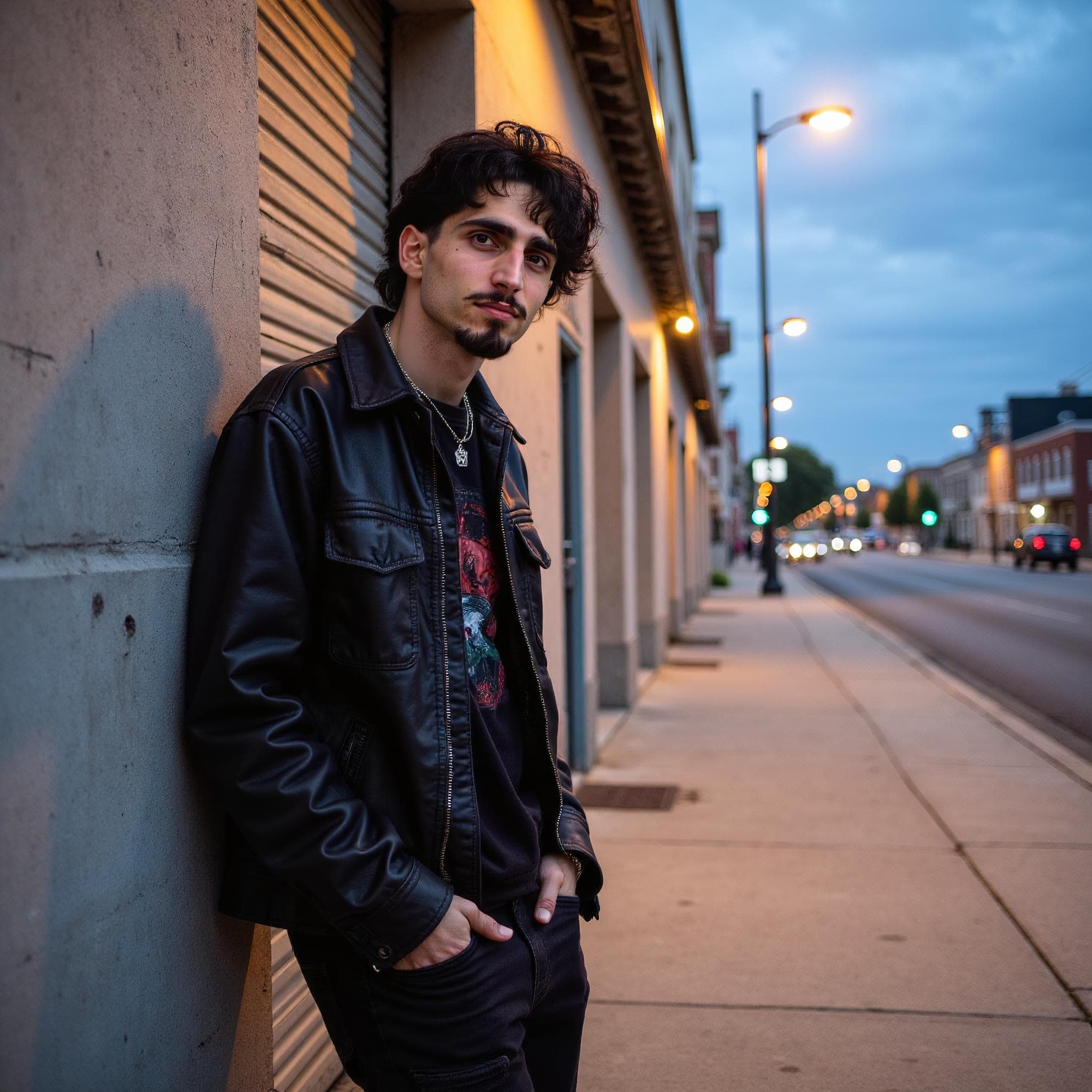
Current personal style
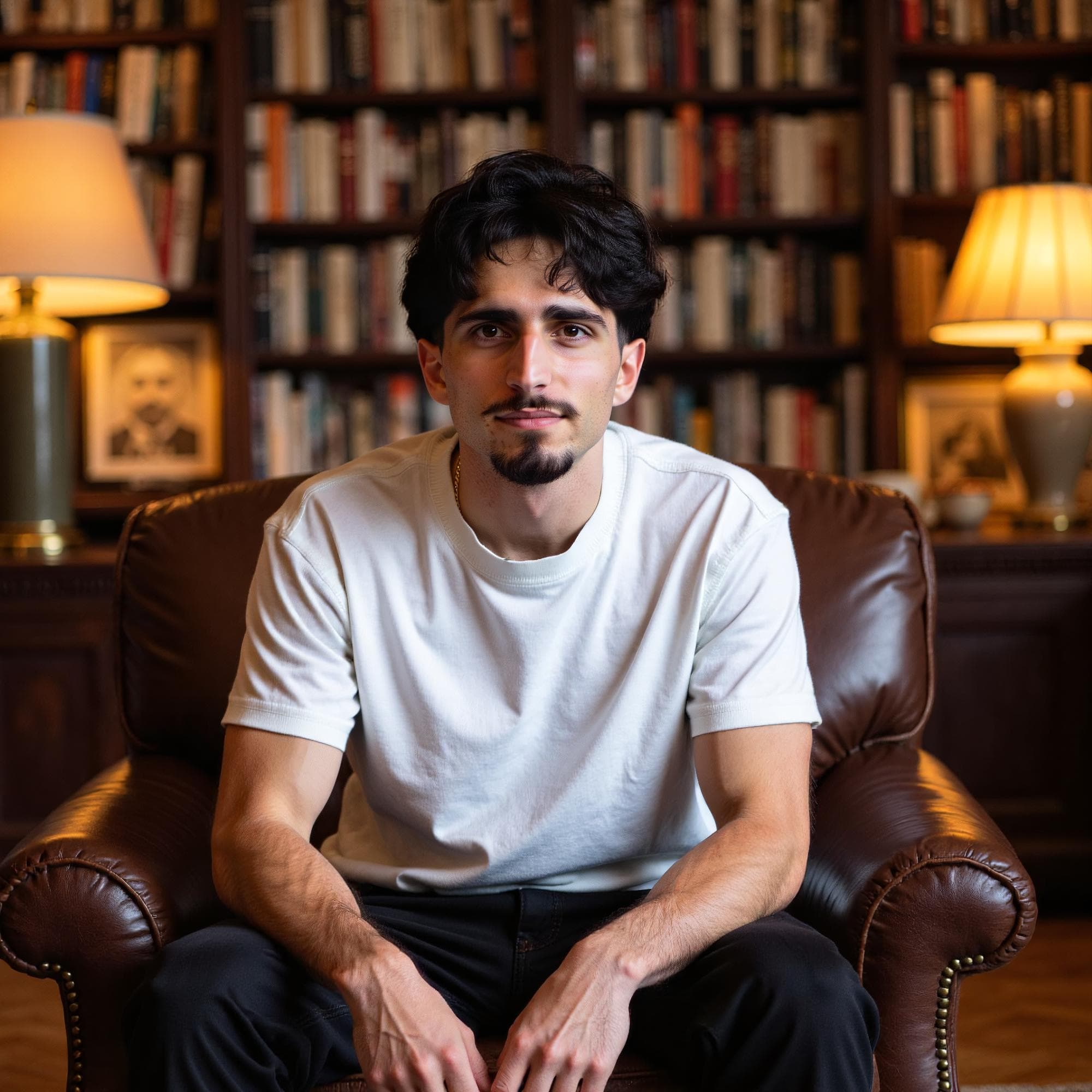
Artistic interest and place
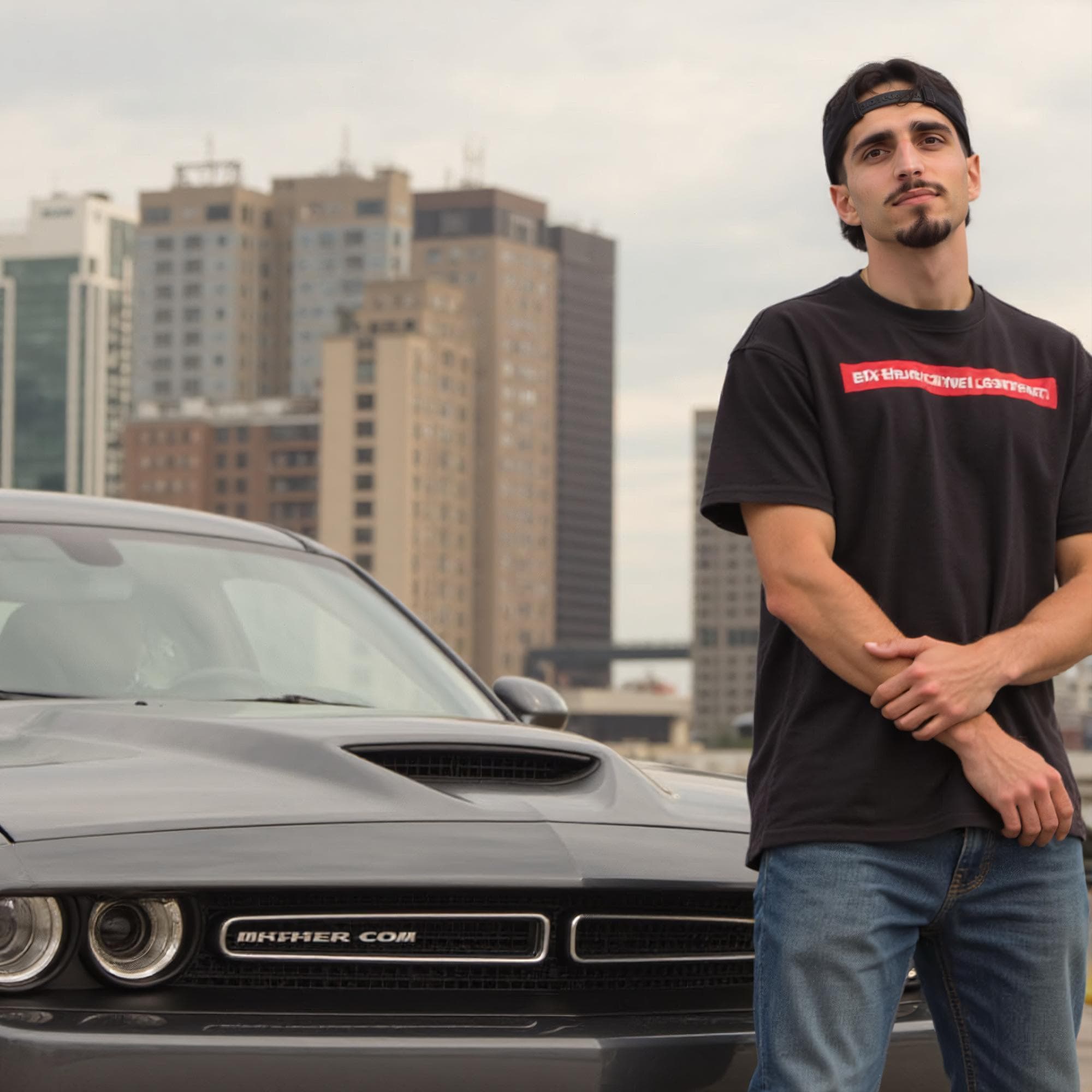
Structured portrait option
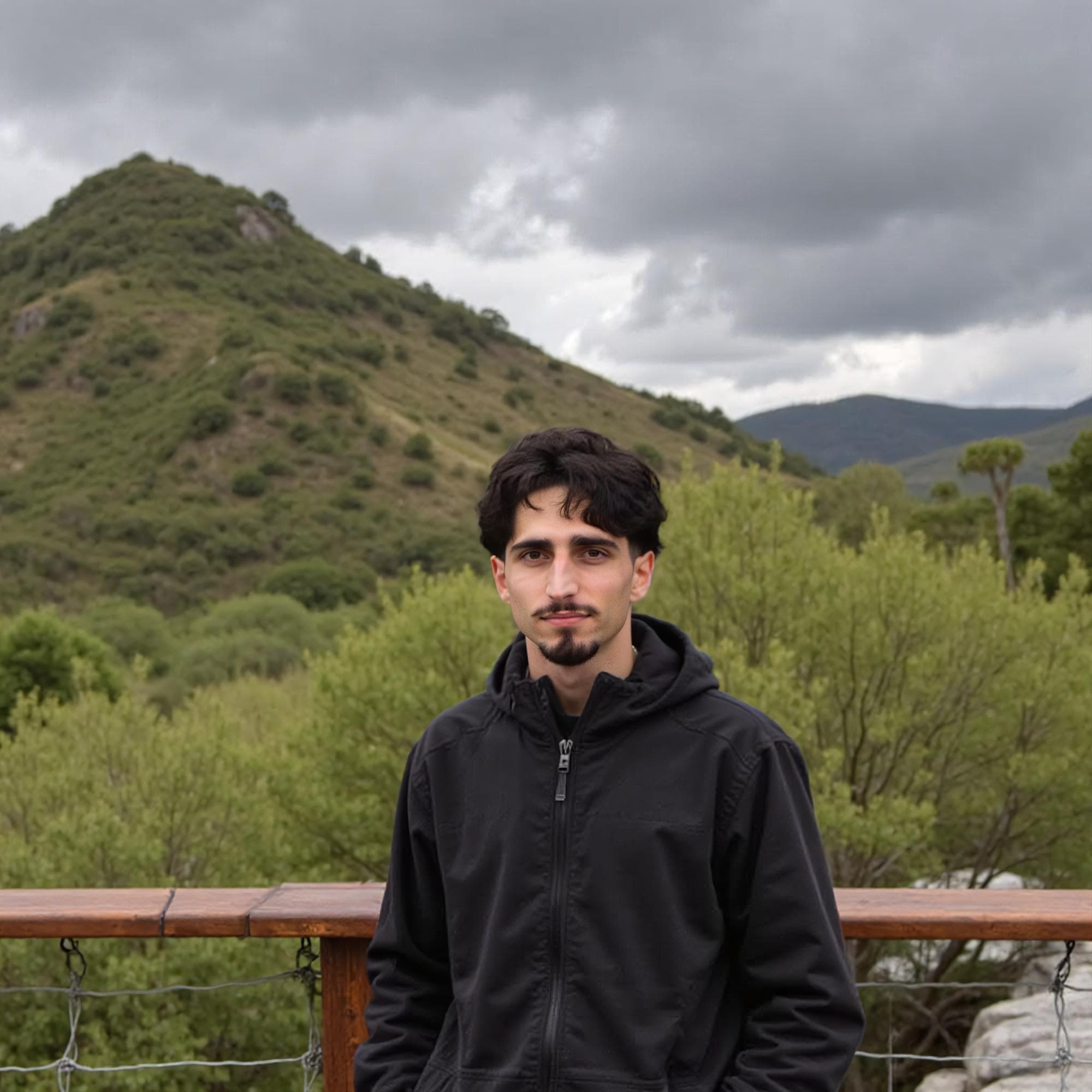
Outdoor activity context

Real movement or sport

Simple background and clear face
Create several dating-photo options, then review identity and context before adding anything to a profile.
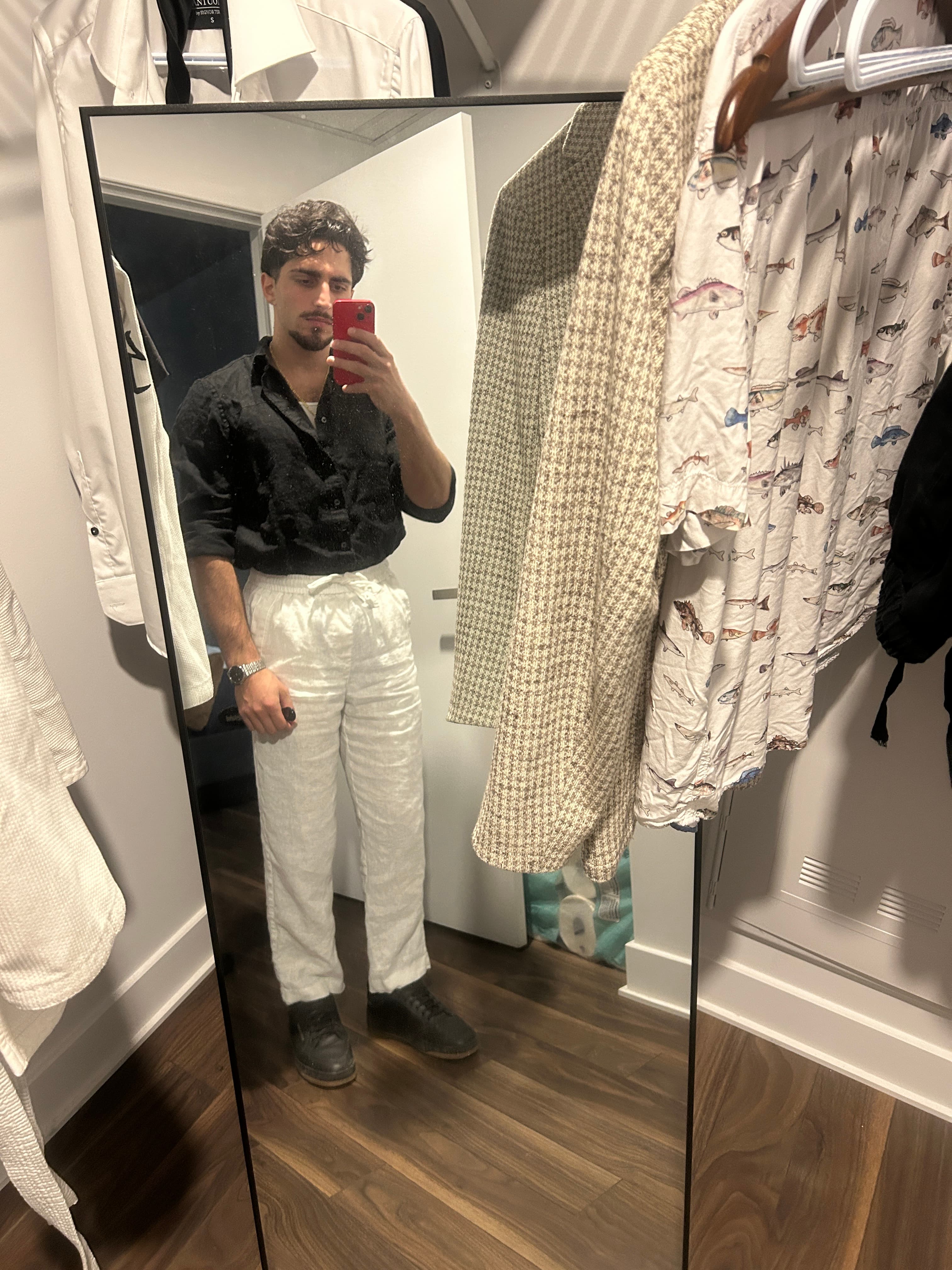
Use clear, current photos from several angles. Balanced lighting and an unobstructed face give the workflow better identity references.
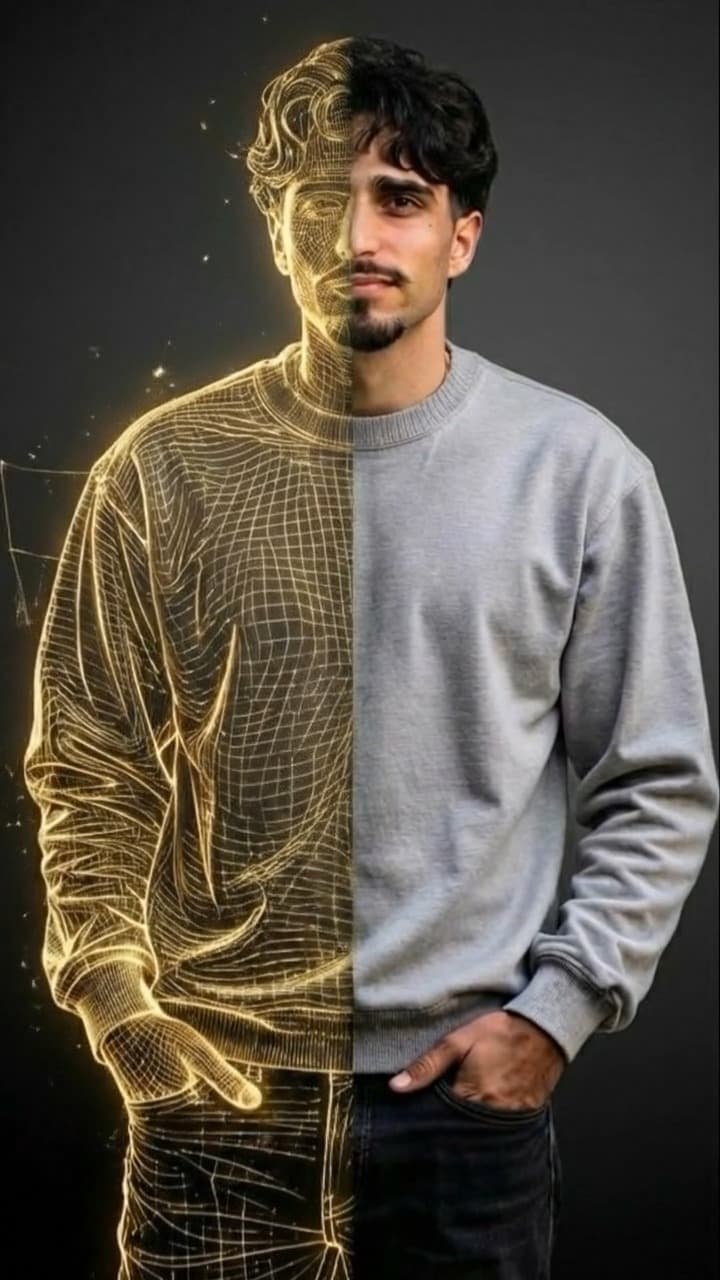
Charmd uses the uploaded angles to create photo options that aim to preserve recognizable facial features across new settings.
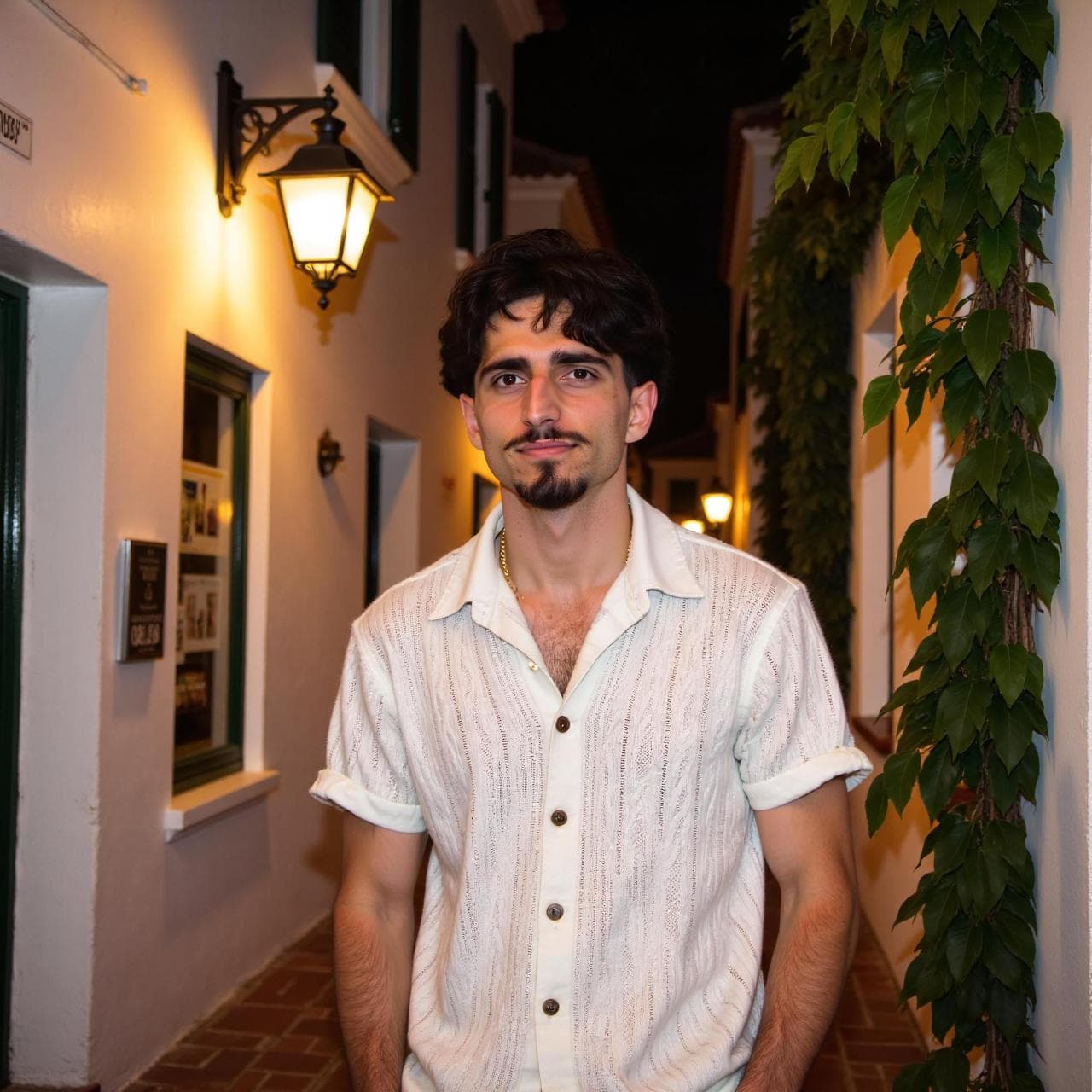
Compare every result with recent real photos. Keep only images that still look like you and show honest, believable context.
Charmd focuses on dating-photo roles and the surrounding profile workflow. Every generated image still needs a final identity and honesty check.
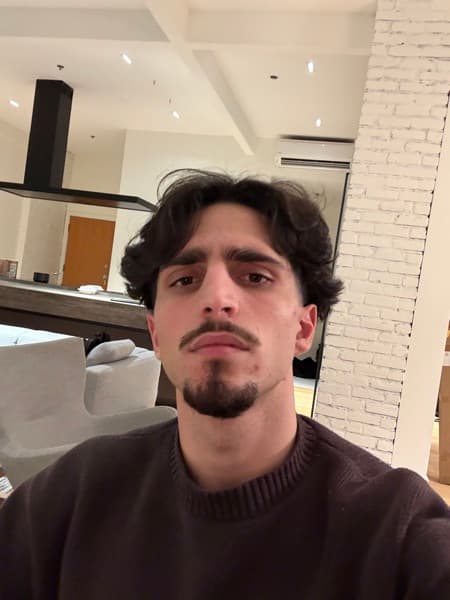

Review the full lineup, not one polished image in isolation.
Visible face, balanced light, current appearance, and a crop that reads well on a phone.

A different outfit and setting that adds range without turning the profile into a formal headshot set.

A believable activity or location that reflects something you actually do and can discuss naturally.

One specific visual detail that gives a match an easy, low-pressure place to begin.
Charmd does not guarantee matches or dates. It helps you create and evaluate stronger photos, profiles, and message options.
Lead with a current, recognizable photo where your face is easy to see before someone reads the rest of the profile.
Build a lineup with distinct roles: face clarity, lifestyle, personal style, and at least one natural conversation hook.
Turn broad feedback into a concrete next step: keep, remove, reorder, rewrite, or create the missing photo slot.
Build a profile that looks like you, gives matches something to respond to, and is easier to improve over time.
One-time web packages · App on iOS & Android
Charmd is designed to create realistic options based on your own photos. Review every result and only use images that remain recognizable, current, and honest about how you look in person.
The app guides you through the current upload requirements. Clear photos with varied angles, expressions, and lighting give the model better source material than repeated selfies.
Uploaded photos are processed to provide the features you request. The current retention, deletion, and account-control details are explained in the Charmd privacy policy.
Charmd combines AI dating photos with profile feedback and message guidance, helping you improve the parts of Tinder, Hinge, Bumble, and similar profiles that you can control.